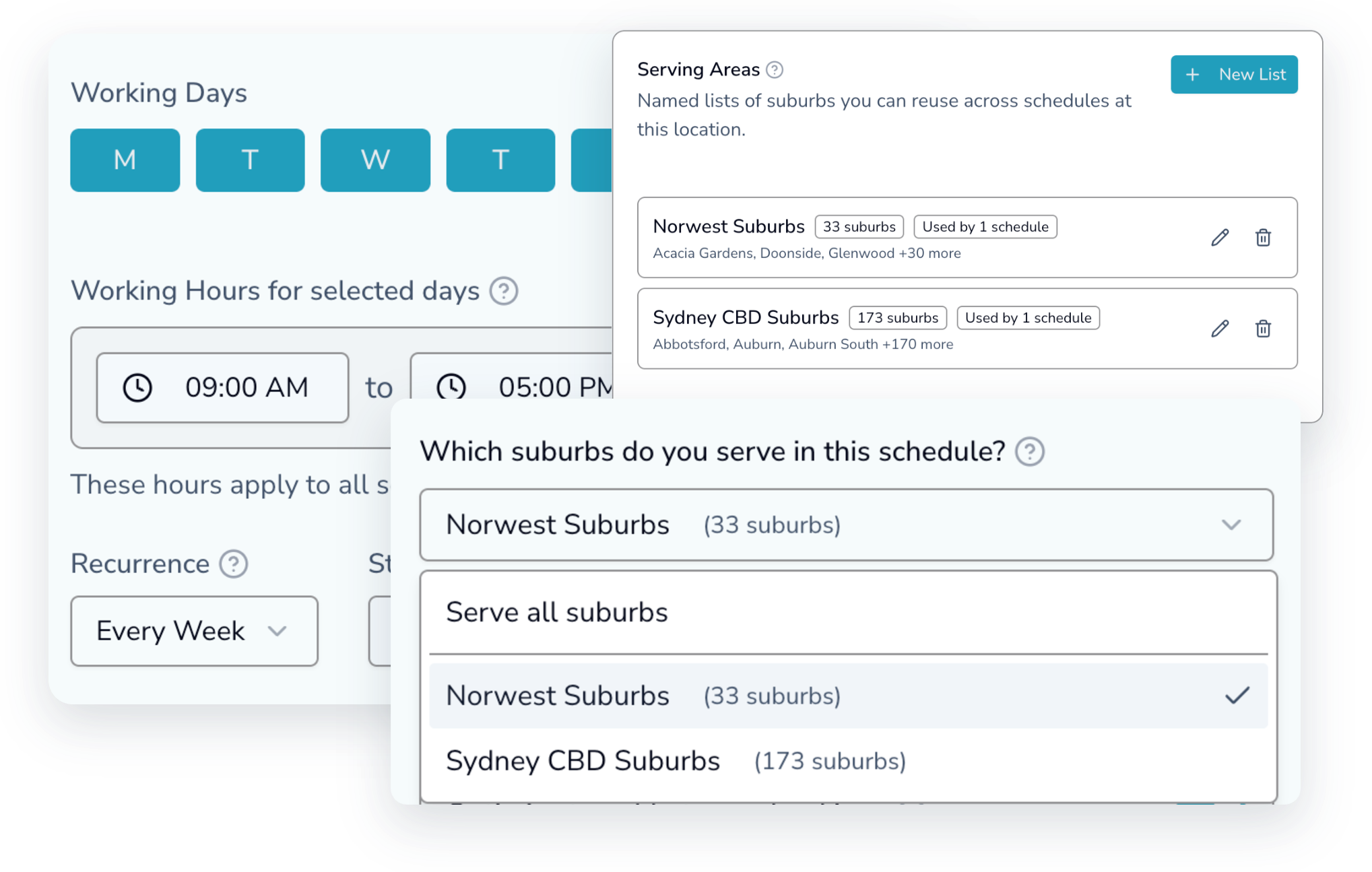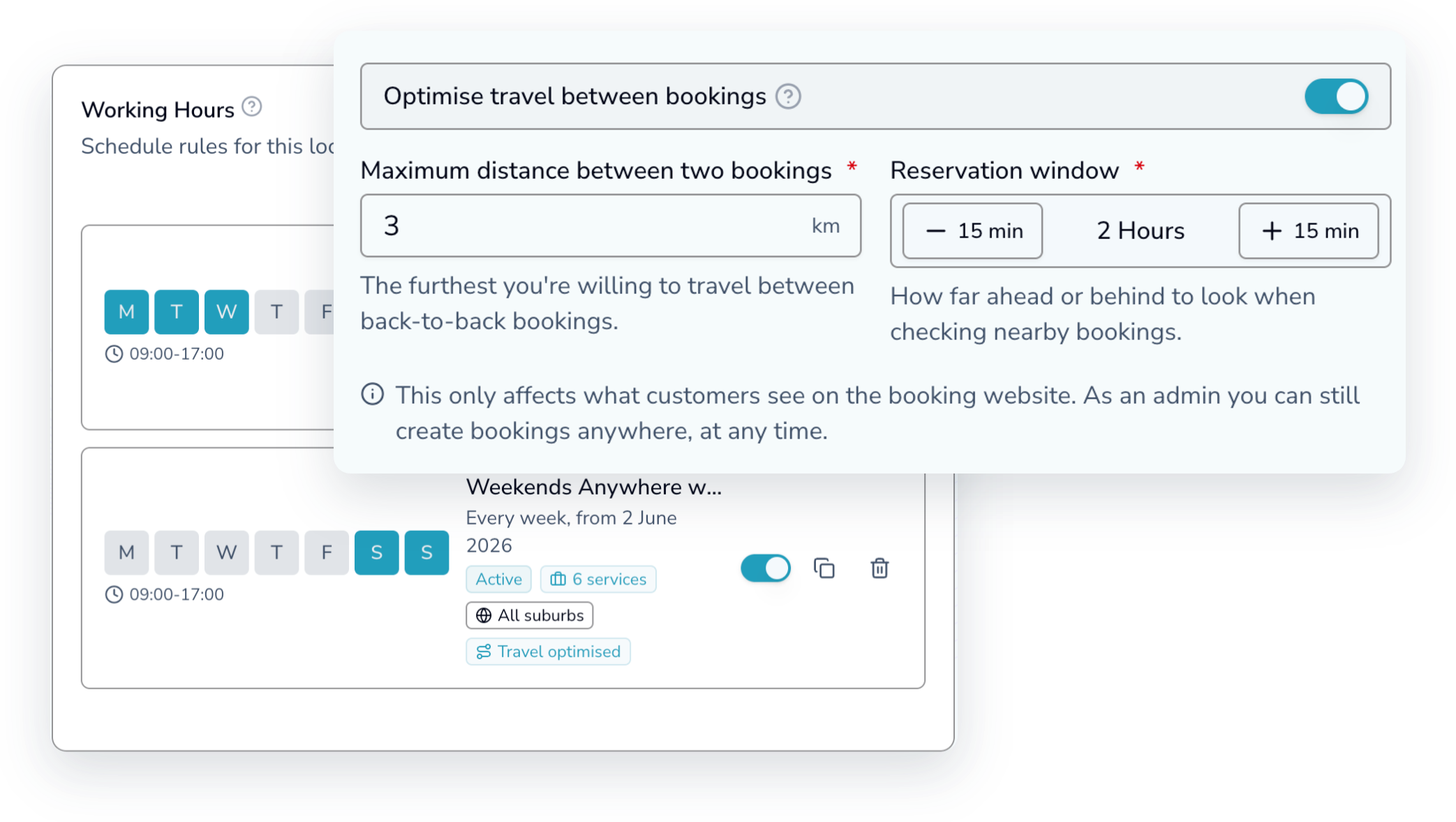
When a student books a driving lesson, OnTime Bookings only offers times that fit the way you work — which services on which days, which suburbs on which days, and how far you’re willing to drive between lessons. You teach the same hours and spend fewer of them behind the wheel for free.
45 days free · no card needed
A 9am in one suburb, a 10:30 across town, a 1pm back where you started. None of that driving time is paid, and most booking systems don’t even know where your lessons are — any free slot is offered to anyone, anywhere.
Location Intelligence
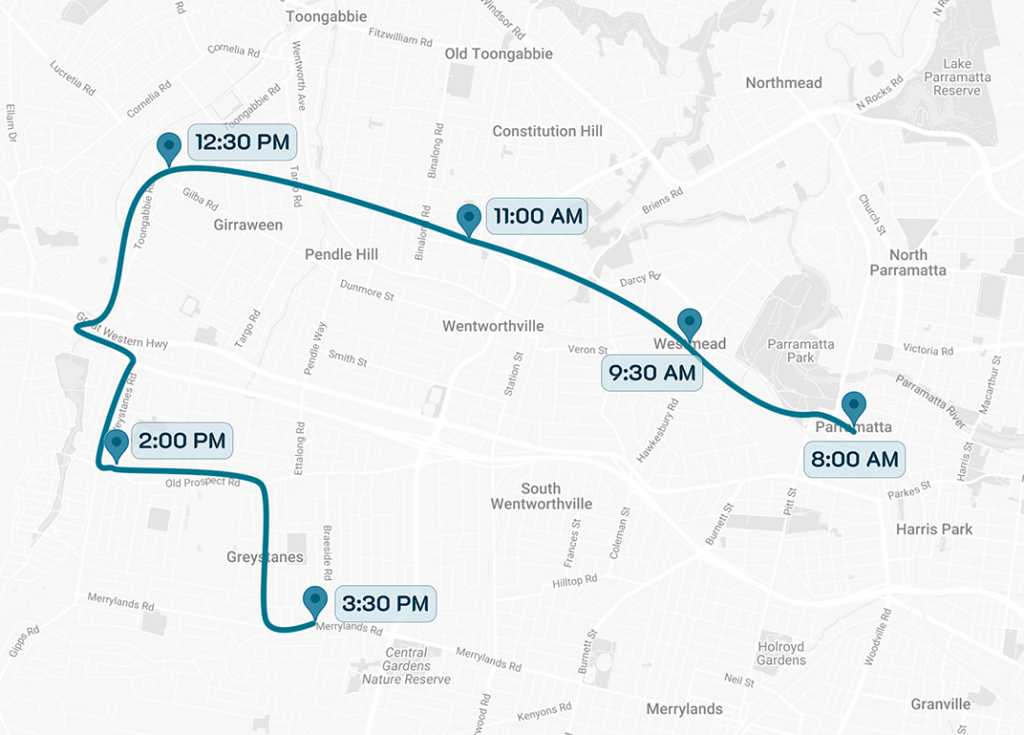
Scroll through a real morning: each new lesson is only offered near the last one, so your day clusters instead of scattering.
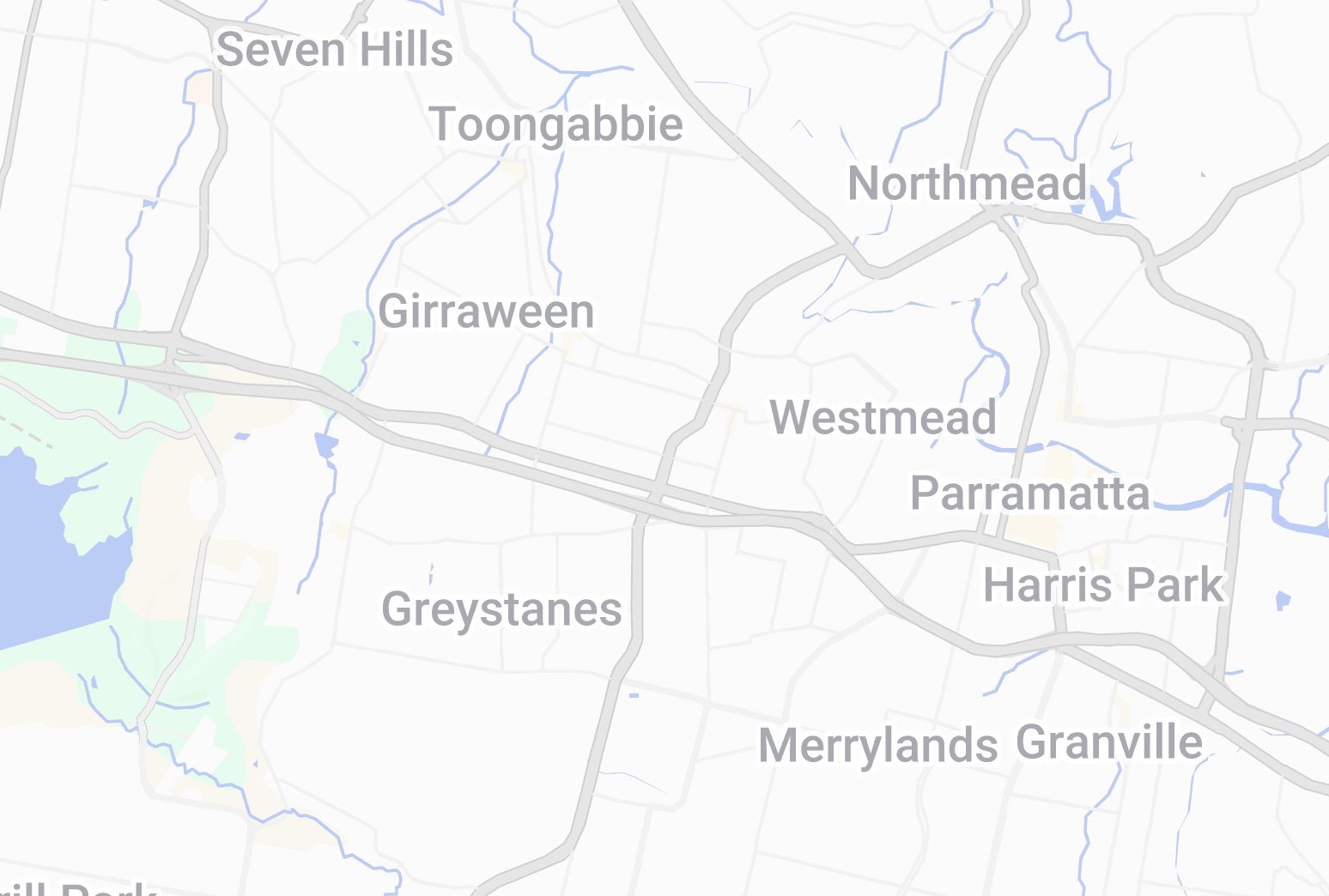
At the start of the day nothing's booked, so a student anywhere you cover that day can grab the first lesson.
An 8:00 lesson lands in Parramatta. From here, the next lesson is only offered within the distance you set — shown by the circle. Anything outside it isn't on the menu.
9:30 books in Westmead, just inside that range. The circle re-centres on the new lesson, and the same rule repeats for the one after.
Lesson after lesson drops in nearby — 11:00, 12:30, 2:00 — each within range of the last. By day's end every lesson sits in its own nearby zone, overlapping into one tight area instead of a city-wide zig-zag. You didn't plan it; the booking rules did.
Book a 30-min demo →Each control works on its own. Switch on all three, one, or none — per instructor.
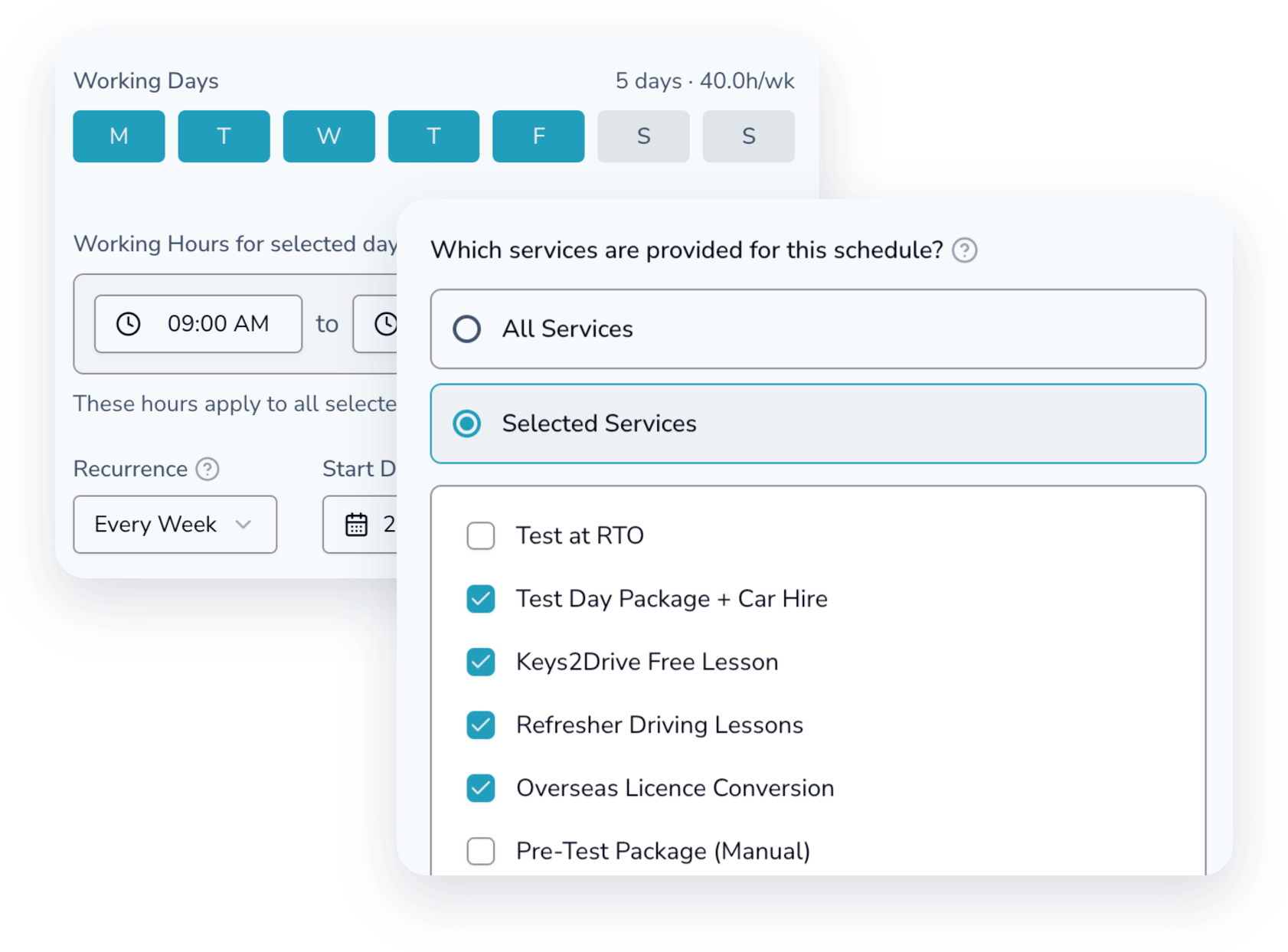
Tell it which service you teach on which days — auto Monday to Thursday, manual on Friday. Students booking a manual lesson only see Friday times.
Tell it which areas you cover on which days — the Blue Mountains Monday to Thursday, the Sutherland Shire on Friday. A student in the Shire is only offered Friday times.
Set how far you're willing to drive between lessons. The first booking of the day can be anywhere you work — after that, students are only offered times within that distance of the lessons already in your diary. A slot that would mean criss-crossing town simply isn't shown.
Yes. The rules shape what students are offered online — you can always add any booking yourself, anywhere, from the admin side. Although, the platform will warn you if the adjucent bookgins are far away, you are in contriol and can override the warning!
No. Services-by-day, suburbs-by-day and travel-optimised bookings each work on their own, and each can be switched on or off independently. With all three off, every free time is offered as normal
Yes. Each instructor has their own suburbs, days and services, and students are only offered times from instructors who fit.
No. They just see times that work. The filtering happens behind the scenes — it reads as “this school is easy to book with”.
Easy! This is, infact a very common scenario!.
With OnTime Bookings, you can configure your schedule by days, even to hours. A few examples are :